
System logging is usually the most ignored part in web systems and is often done in an incorrect manner. This is a risk when the system becomes legacy and its complexity develops. In this post, Studio theYANG discusses how to log your system correctly with syslogd.
Why is logging important?
In one word, logging helps system administrator inspect the system’s execution status and debug anomalies. We, both client and developers, may not see the necessity when developing a brand new web system from scratch as everything seems under control, but we shall not forget the underlying operating system and services that support your system and brings unexpected issues in the long run. For example, after certain configuration we may find a background process unexpectedly terminated, and it is only from correct logging could we analyze what exactly happened under the hood.
Certain clients may have more difficulty understanding the necessity of logging as it faces to developers and never directly impacts functionalities on the surface. Logging in a web system doesn’t obtrusively expose itself to visitors but snapshots the system’s footprint when it encounters an issue for developers and system administrators to resolve.
Logging to log files, isn’t it correct?
Short answer, no, it degrades the system performance and brings I/O risks.
Although we often talk about “log files” and logging finally results into several files with timestamped messages, we may not want the central application logic to open and write into a file on hard disk directly. Hard disk, even SSD, is much slower than CPU/memory. We always try to eliminate the slowing factors: for example, in the case of Python, we wrap the application logic with WSGI so that Python does not need to wait for slow network/socket operations, and sometimes use memory caching layer (such as memcache) to speed up the system’s response. Accessing a logging file is counterproductive to the other optimizations to which we are devoted.
Directly accessing log files also brings risks. A Python web system is bound to run in parallel, and multiple threads writing into a same log file is similar to editing a photo using Photoshop and macOS Photos at the same time — it brings in chaos as a file on hard disk is treated as a “resource” for the system, which may lead to: corruption of the logs, failure of opening the file, etc. This cannot ensure the reliability of logging itself. More seriously, failure with log files may incur an unhandled exception and cause a thread to exit, for example, when the disk is full or the permission of log file is incorrectly configured (which happens a lot of time when there are multiple background services running under different dedicated users).
Logging correctly with syslogd
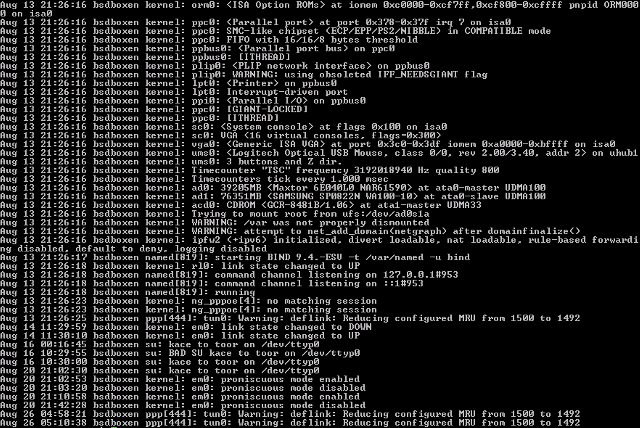
Syslogd is a great logging utility for Linux and BSD systems. As a service daemon running underneath the application logic, syslogd listens to internet and unix domain sockets and redirects the message it receives to the configured log files. In this way, the application logic can simply send logging messages to syslogd, without worrying external misconfigurations of file systems or permissions (even if syslogd is unexpectedly not running). The socket communication can be chosen as UDP so that application logic does not wait for the reception acknowledgement and avoids performance degradation.
In addition, syslogd is capable of remote logging, which is useful on virtual machines. VMs can send logging to their host machine and allow an easier inspection from the perspective of system administrators.
In Python, there is `logging.SysLogHandler` in the standard library that provides an out-of-box solution and facilitates the switch from your old logging facility to syslogd-based one.

 Studio theYANG